Hardware & IoT
RoboLink.
React Native robot controller with drag-and-drop UI builder, Bluetooth & Wi-Fi UDP support. Academic project — live on Play Store.
- Type
- Hardware & IoT
- Role
- Solo build
- Stack
- React Native, React Native CLI, JavaScript, Bluetooth
Overview
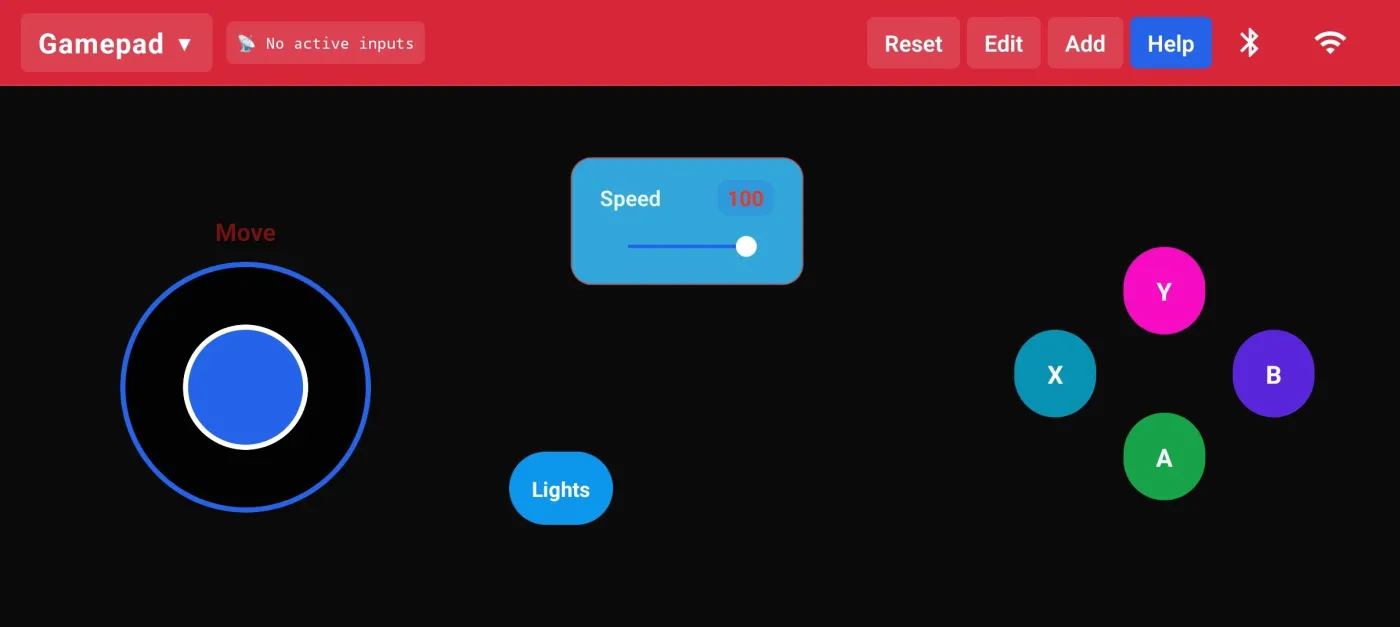
RoboLink is an Android app built with React Native CLI for my Mobile Application Development academic course. It turns your phone into a fully customizable robot controller — build your own control layout with joysticks, buttons, and sliders via a drag-and-drop editor, connect via Bluetooth or Wi-Fi UDP, and get started instantly with built-in Arduino code guides. Shipped live on Google Play Store (100+ downloads).
- Live on Google Play Store — 100+ downloads
- Built with React Native CLI (academic course project)
- Dual connectivity: Bluetooth + Wi-Fi UDP
- Full drag-and-drop controller editor with save/load
- Built-in Arduino & ESP32 code guides for makers
What I built
- 01
Custom Controller Canvas
- Joystick (Move) + XABY gamepad buttons on one canvas
- Speed slider with live value display
- Custom action buttons (e.g. Lights) freely placed
- Preset dropdown to switch between saved layouts
- 02
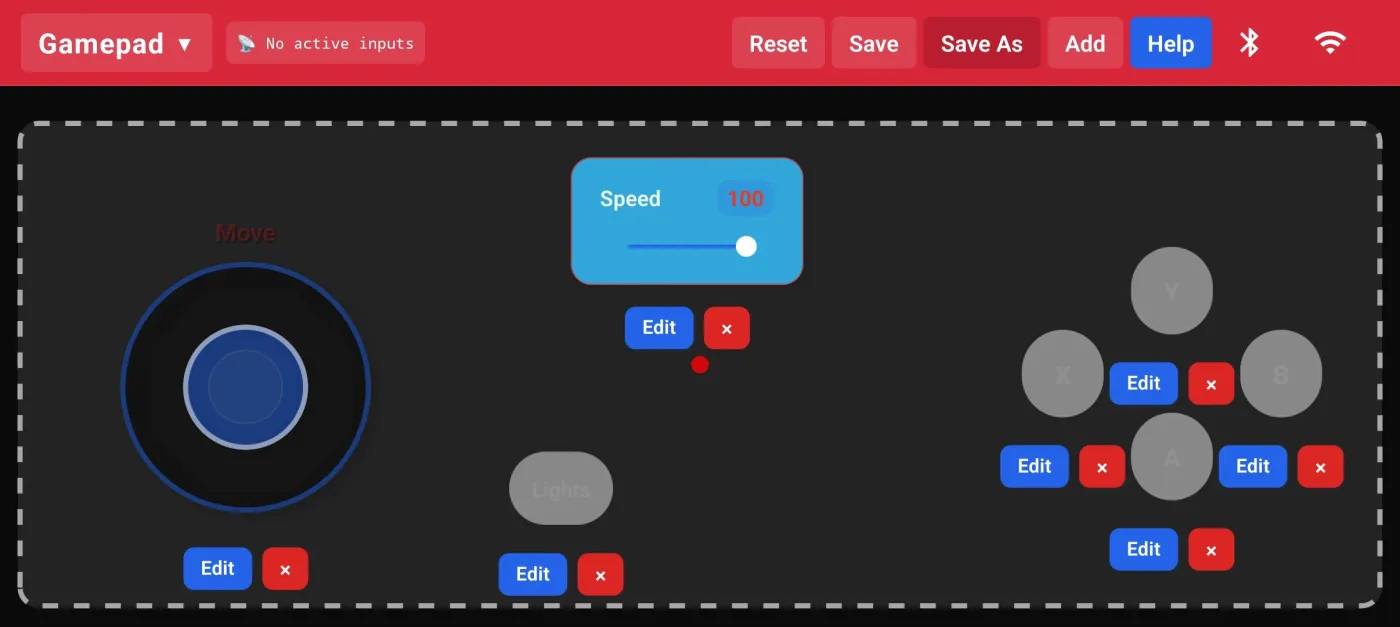
Drag-and-Drop Edit Mode
- Toggle Edit mode to reposition or delete any widget
- Add widgets: Direction, Action, Slider, or Joystick
- Configure label, map name, value and size per widget
- Save / Save As to persist multiple controller profiles
- 03
Dual Connectivity
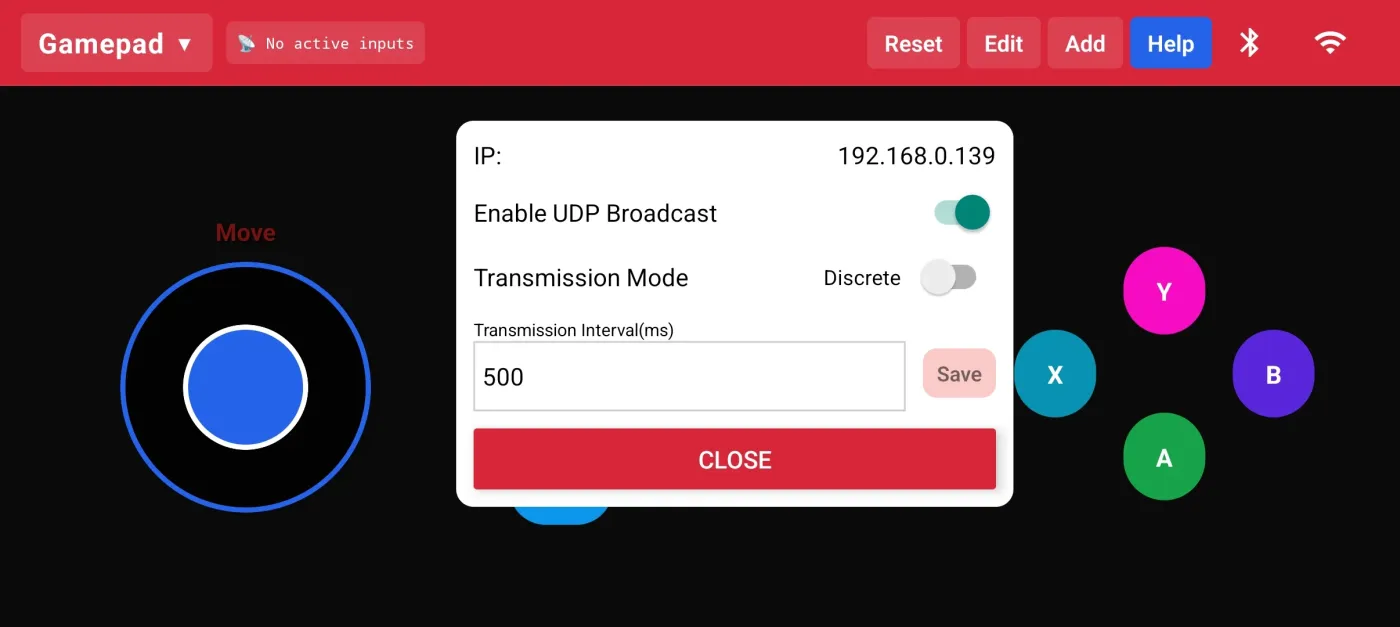
- Wi-Fi UDP — set IP, enable broadcast, configure transmission interval
- Bluetooth — pair devices, enable BT transmission at 100 ms interval
- Discrete or continuous transmission mode toggle
- Live connection status feedback
- 04
Built-in Help & Code Guides
- Interactive guide: Custom Joystick Help
- Arduino UDP and ESP32 Bluetooth code templates
- Basic Car starter preset with step-by-step instructions
- Designed to get makers started with zero prior knowledge
Controller & Customization
Custom Virtual Gamepad Edit & Rearrange Widgets 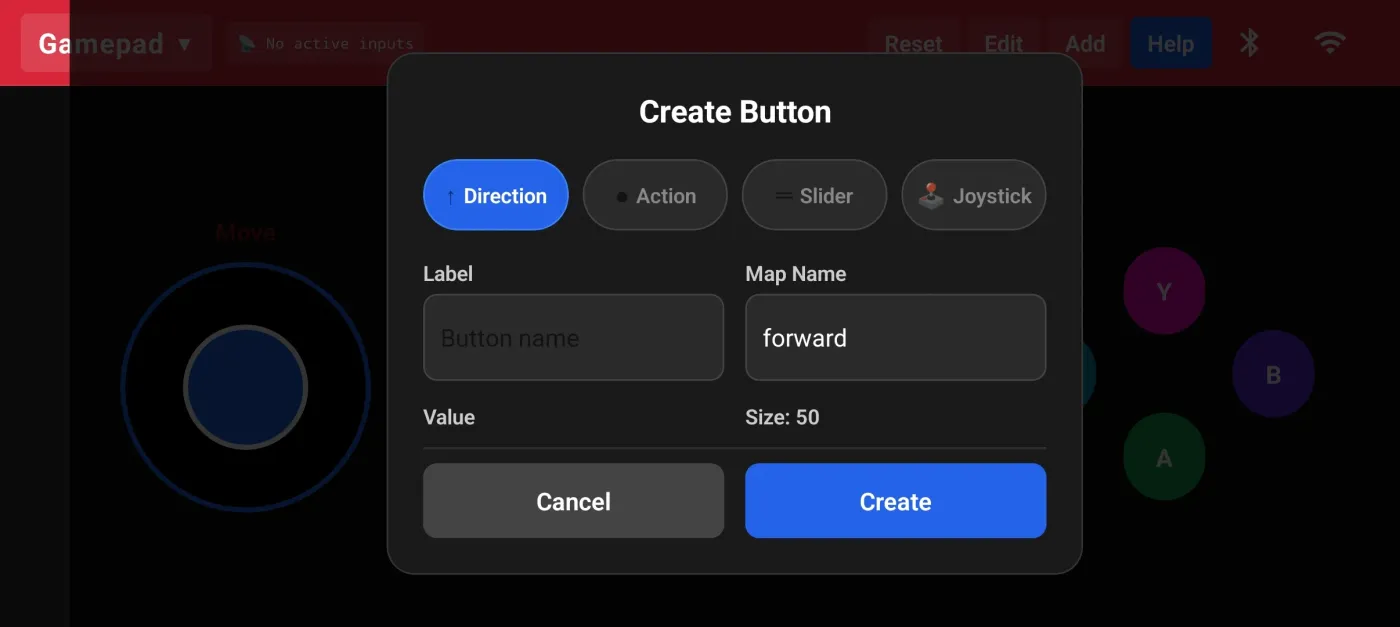
Create Custom Buttons
Connectivity
Wi-Fi UDP Settings 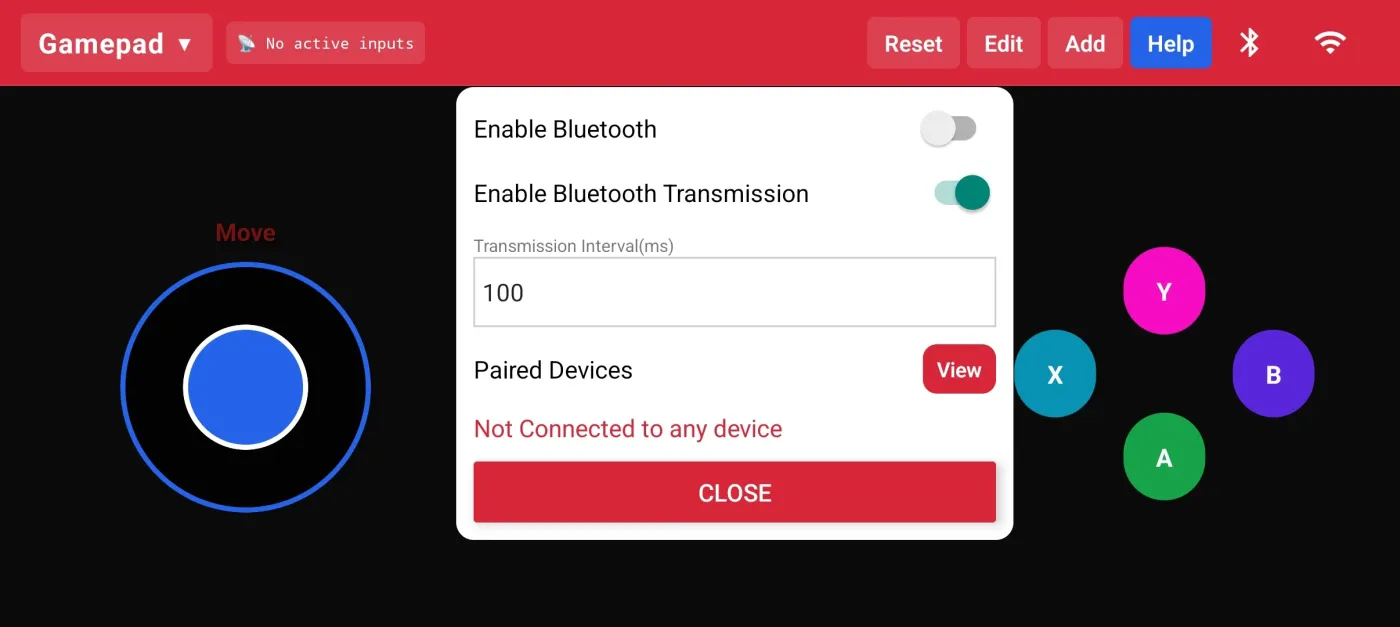
Bluetooth Transmission
Help & Guides
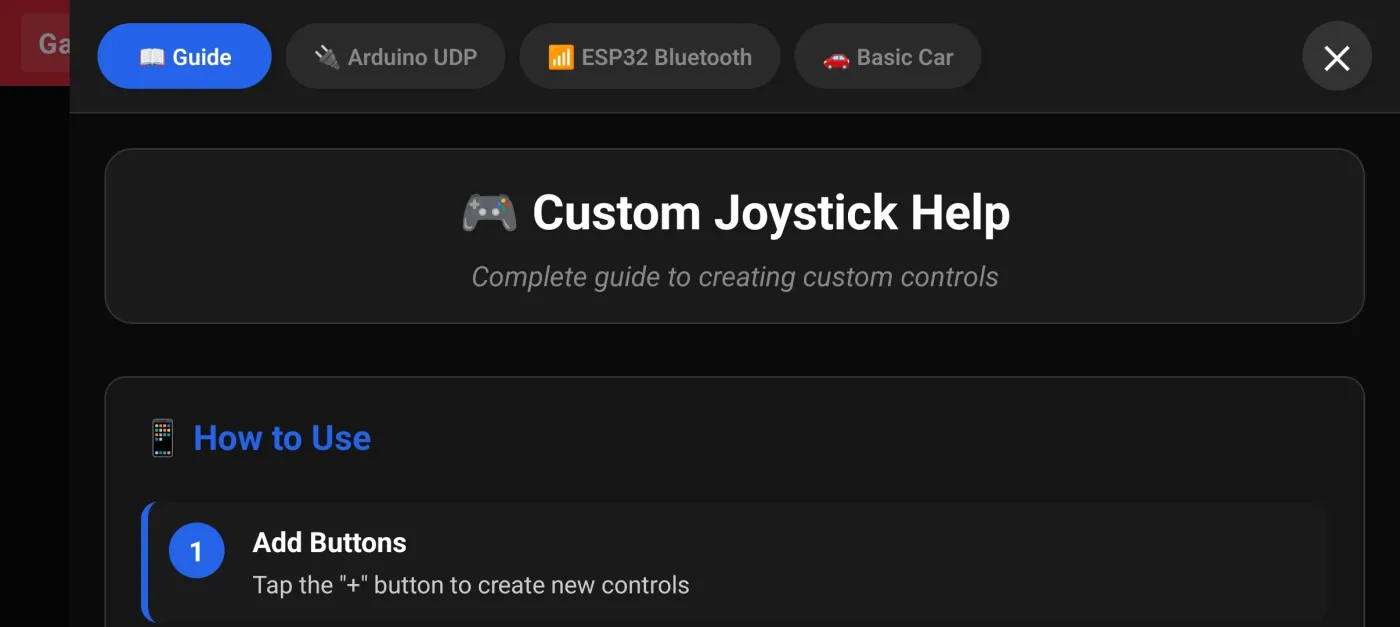
Built-in Code Guides
Stack
React NativeReact Native CLIJavaScriptBluetoothWi-Fi UDPArduinoESP32Android SDK
- Platform
- Android
- Framework
- React Native CLI
- Hardware
- Arduino / ESP32 / ESP8266
- Version
- Aug 2025
Next project
UniSync